Link to Loom
https://loom.com/share/973c707cfe5544c6972c97dff3bedb44
Adjusting Activity Records in IMS
Objective
This SOP outlines the steps to adjust an activity record in IMS when a customer has purchased the wrong product without needing a refund.
Key Steps
1. Access Purchase History 0:19
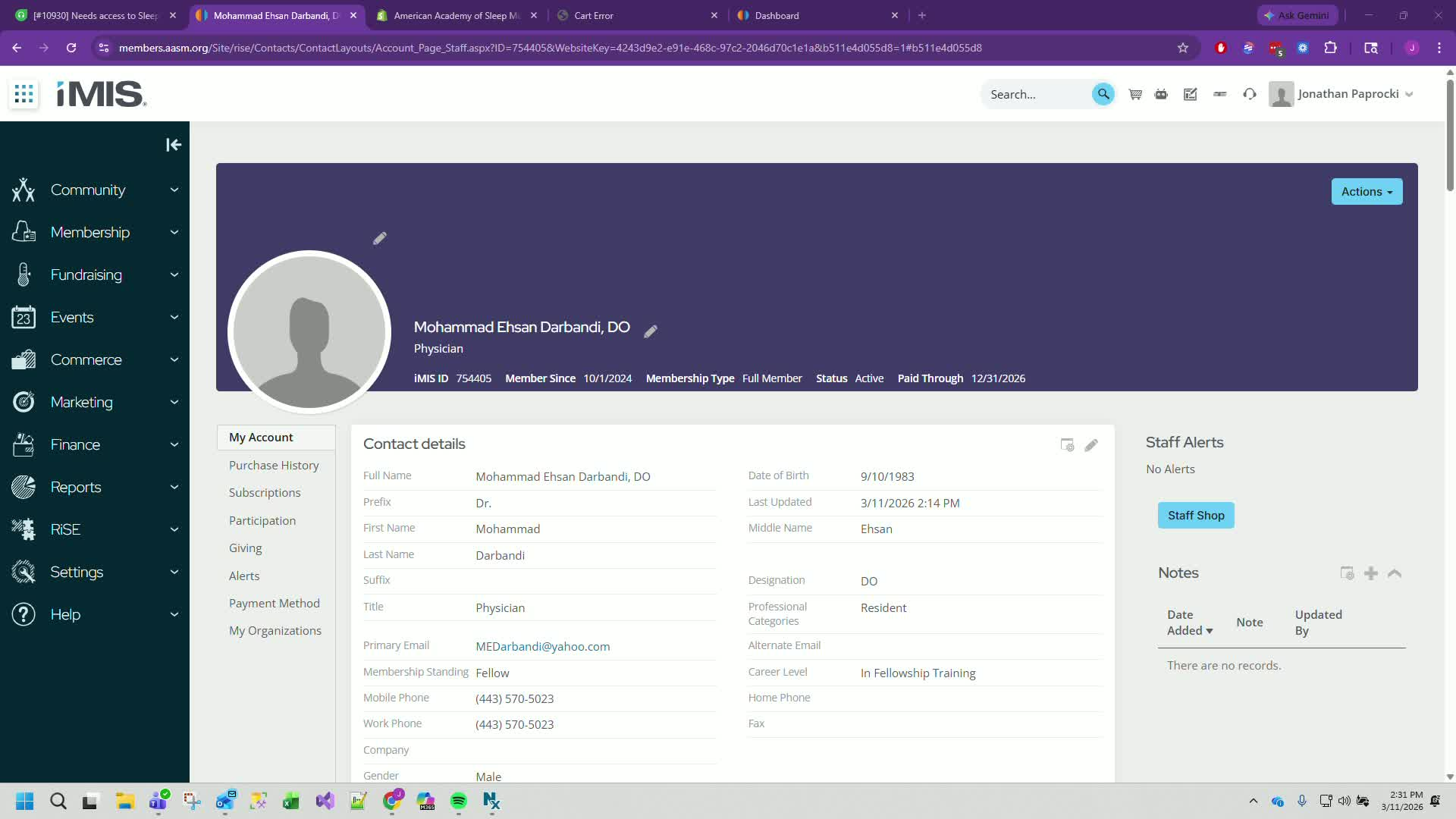
Open IMS and locate the customer's purchase history.
Example: Find Mohammed's purchase history.
2. Identify Incorrect Product 0:33
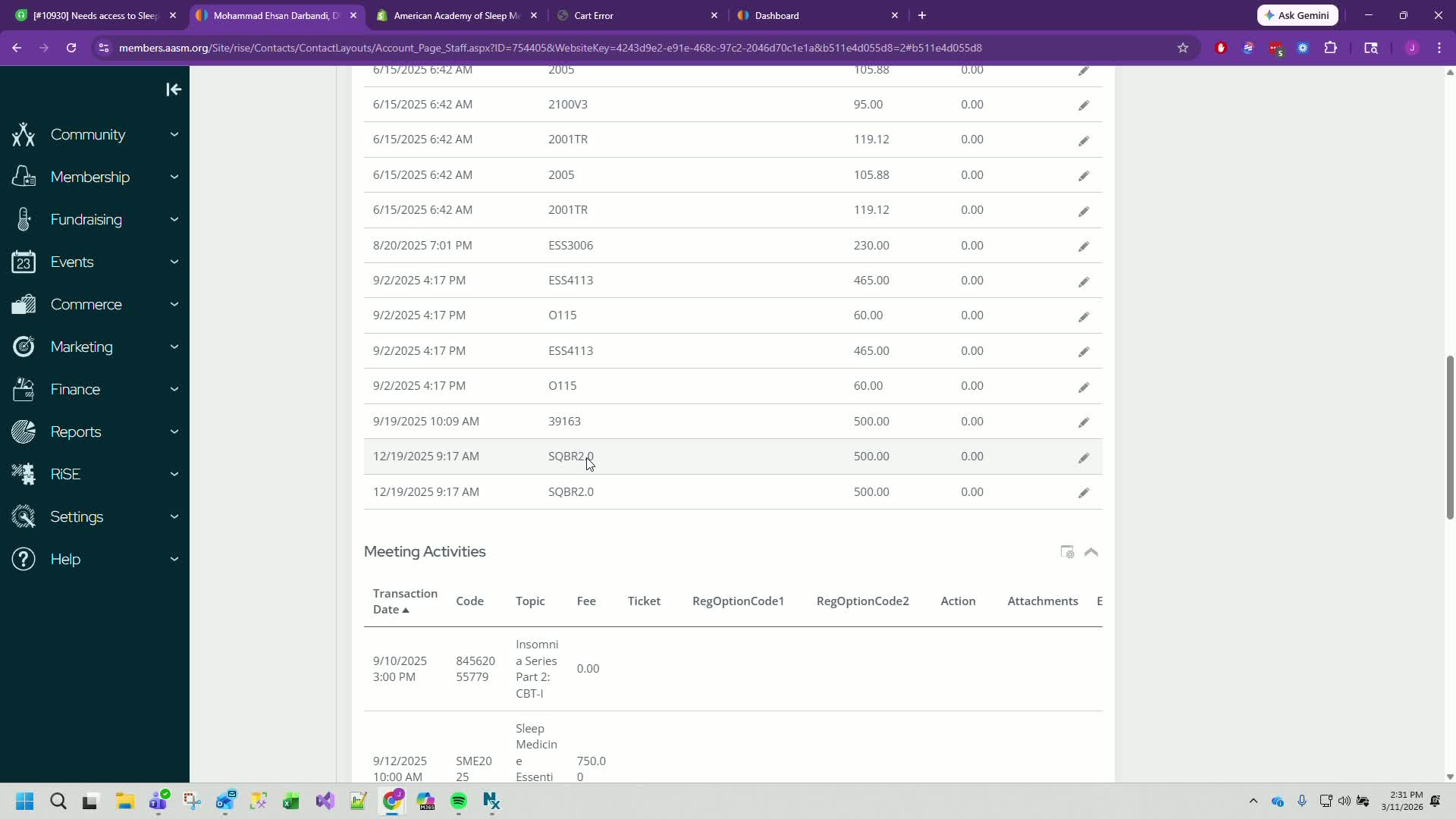
Check the purchased product details.
Example: Mohammed purchased SleepCues BoardReview 2.0.
3. Determine Correct Product 0:45
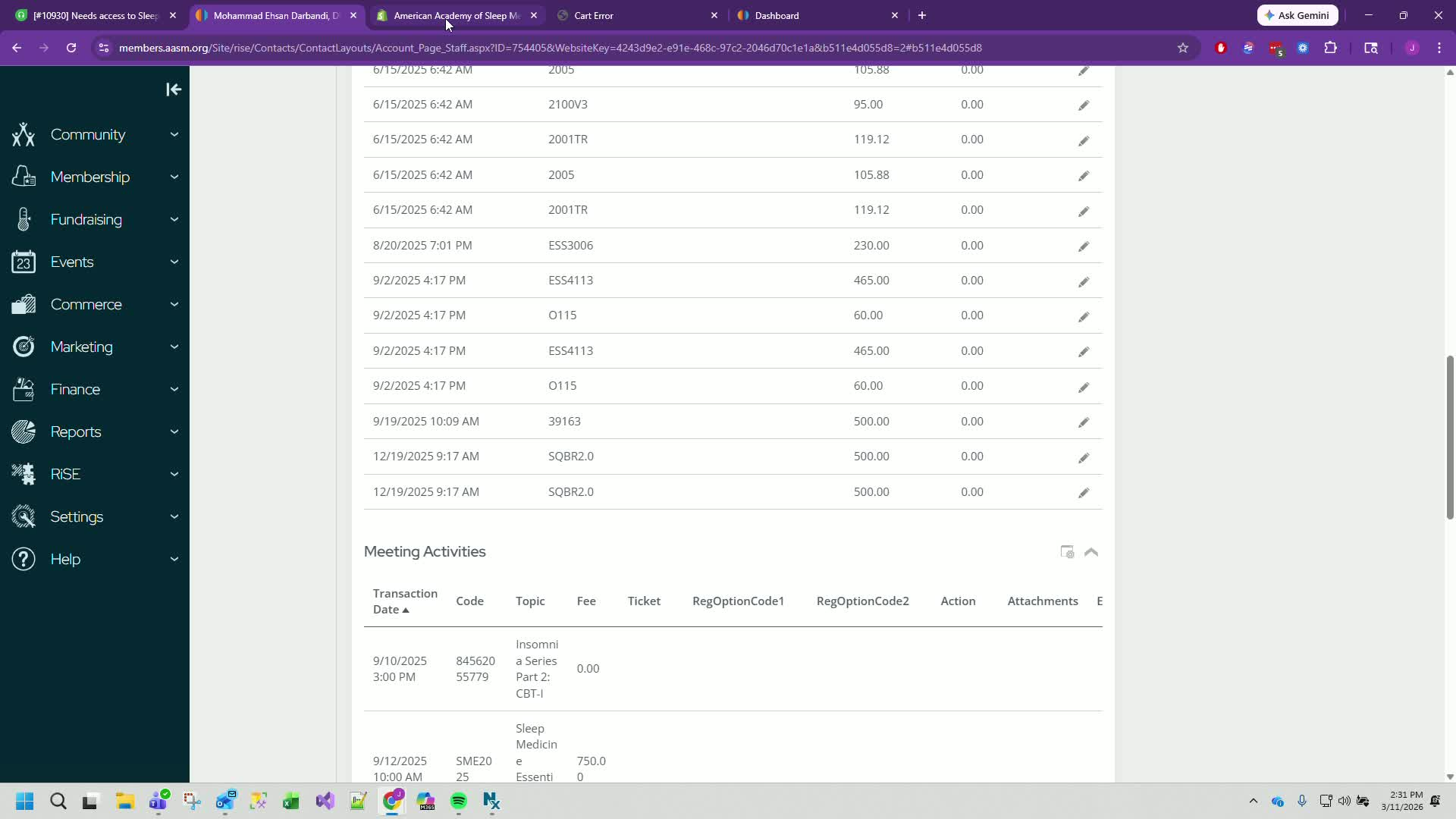
Identify the correct product that needs to be switched to.
Example: Switch from 2.0 to 3.0.
4. Search for Product Code in Shopify 0:59
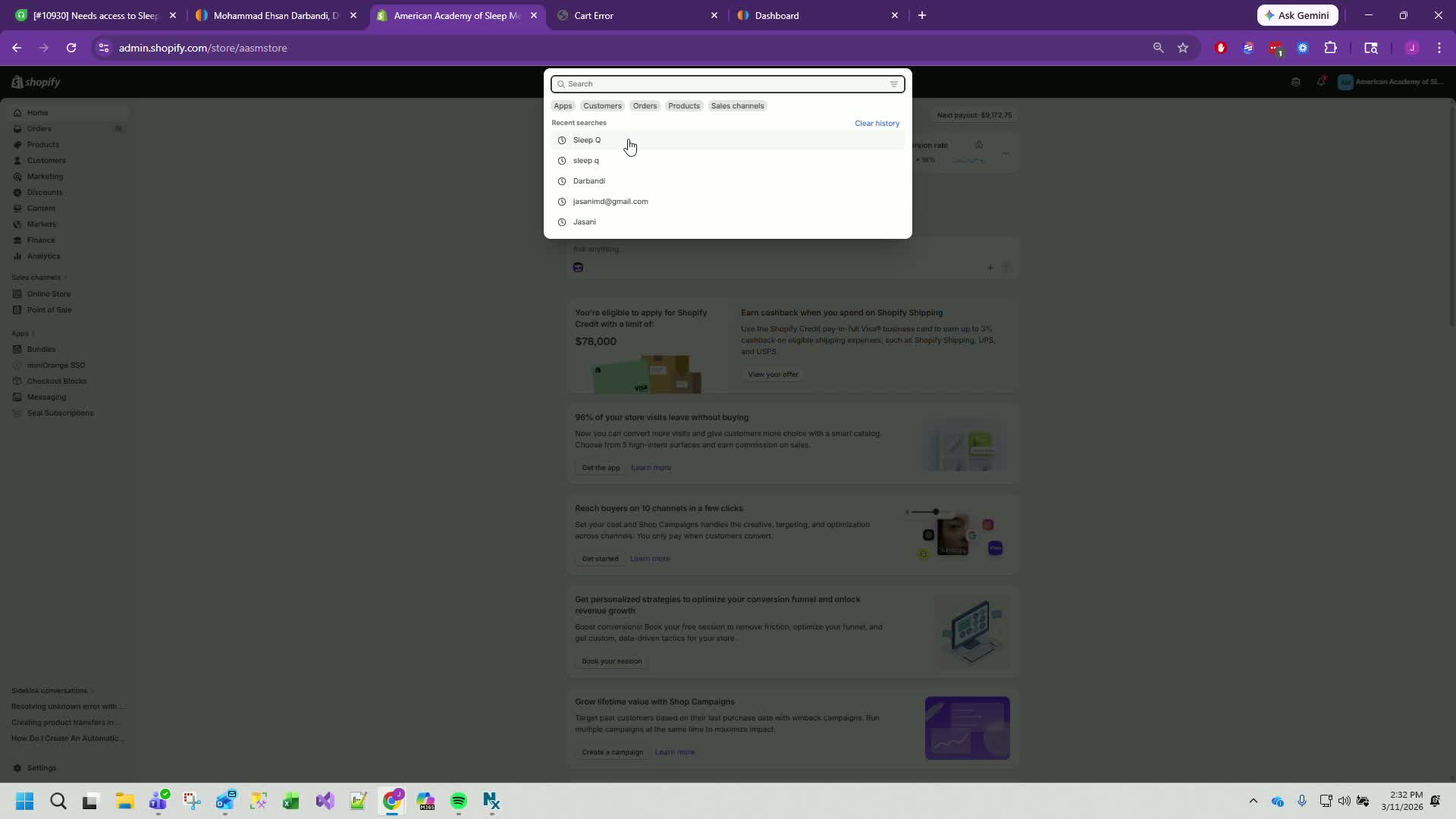
Go to Shopify and search for the correct product.
Example: Search for CQs, WordView 3.0.
5. Verify Product Pricing 1:18
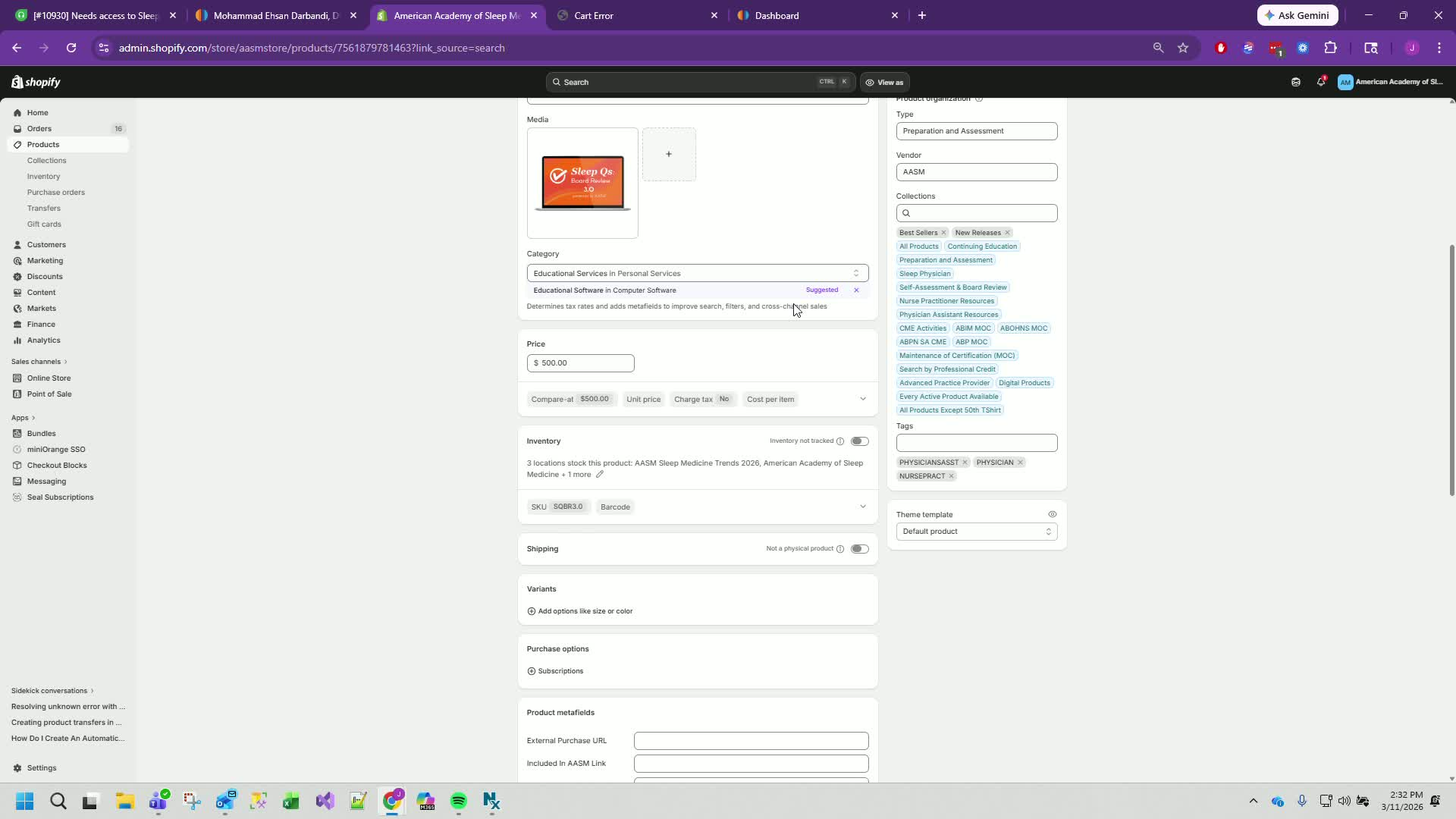
Ensure the price of the new product is the same as the old product.
Example: Confirm both are $500.
6. Update Product Code in IMS 1:32
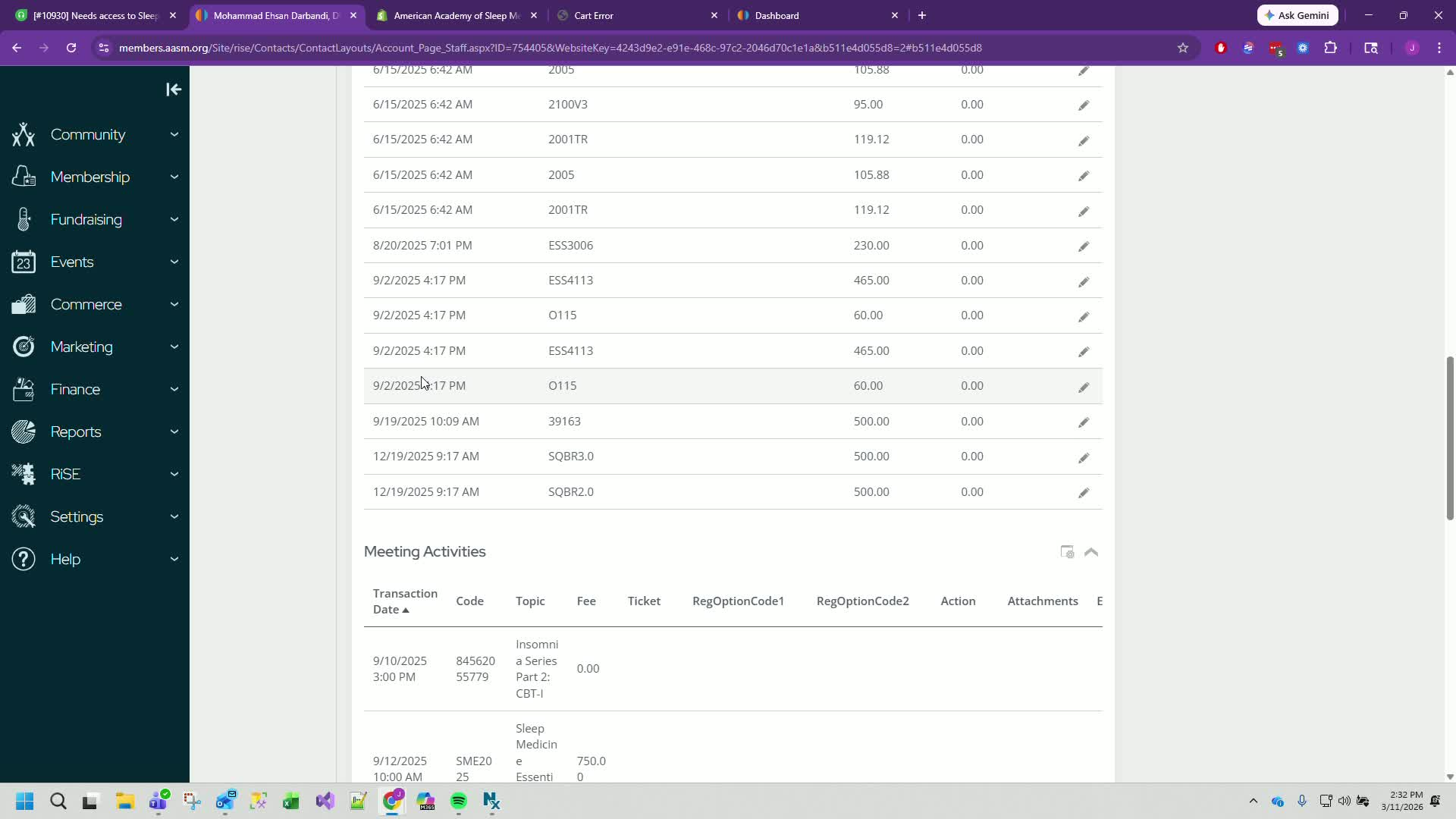
Edit the product code in IMS to reflect the new SKU.
Example: Change to SQBR 3.0.
7. Request Product Codes 1:49
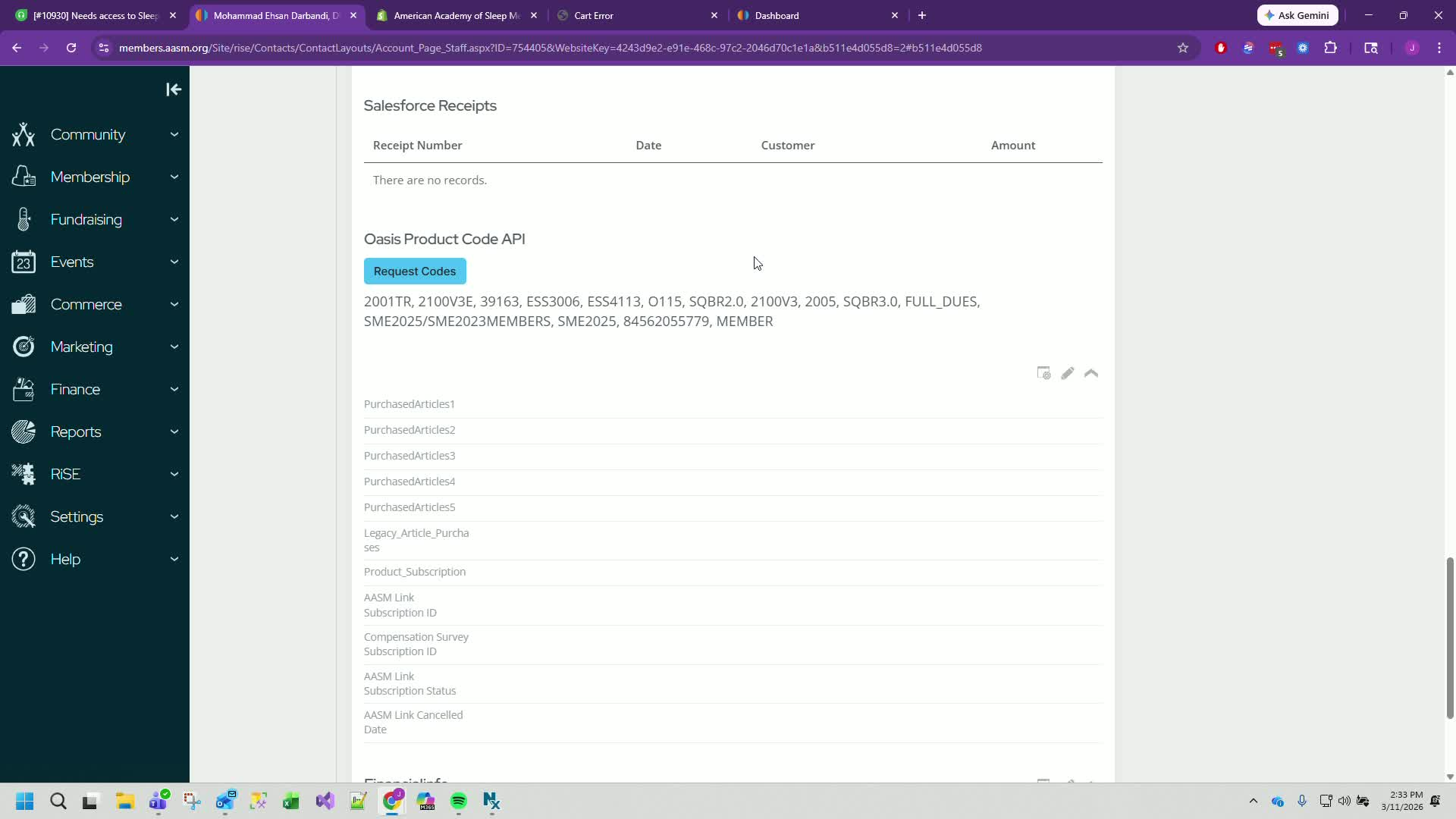
Hit 'request codes' to update the product codes in the system.
8. Sync Purchase History 2:00
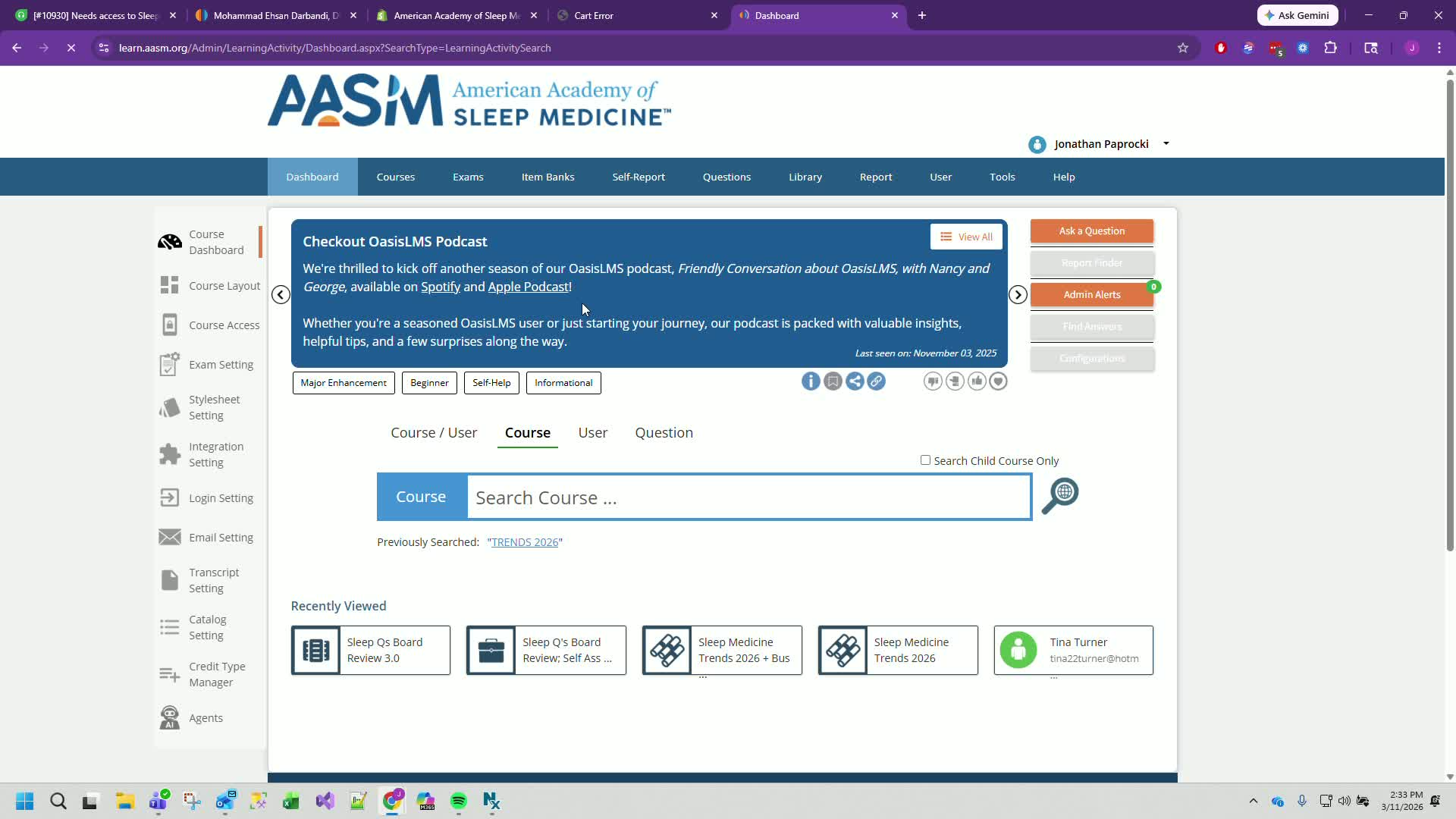
Search for the customer using their email or IMS ID.
Example: Find Mohammed's record.
9. Confirm Sync Success 2:33
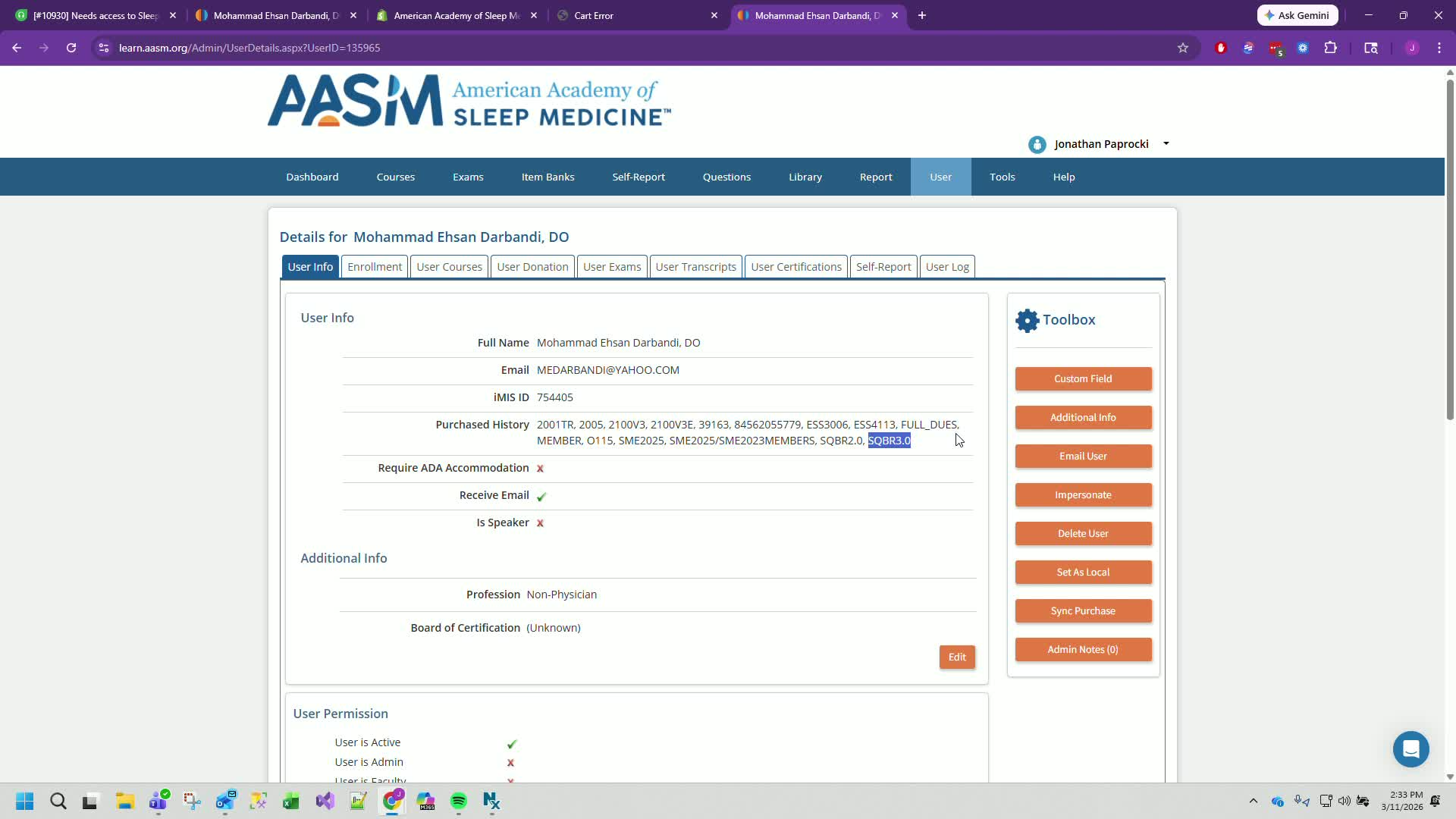
Look for a green box indicating the purchase history has changed.
10. Verify Product Code in Oasis API 3:16
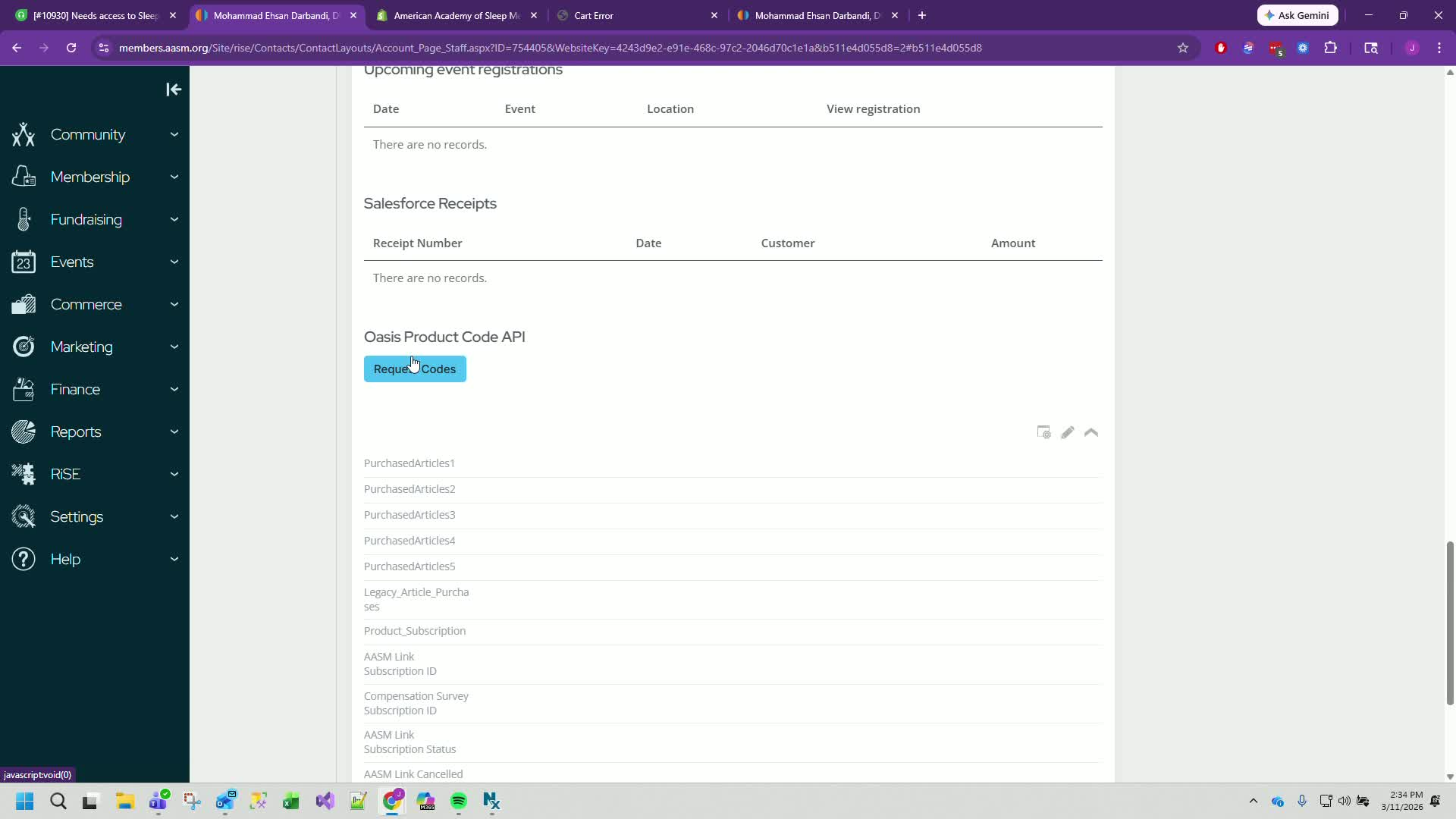
Check the Oasis product code API to ensure the new product code is listed.
Cautionary Notes
Always verify that the new product code is correct before syncing.
Ensure that the customer is aware of the change to avoid confusion.
Tips for Efficiency
Use the customer's email for quicker searches in IMS.
Familiarize yourself with product codes to speed up the process.
Was this article helpful?
That’s Great!
Thank you for your feedback
Sorry! We couldn't be helpful
Thank you for your feedback
Feedback sent
We appreciate your effort and will try to fix the article