Purpose
To access internal Google products such as Google Analytics (GA4), Google Ads, YouTube, or other related Google services, you must first create a Google Account using your AASM/SRS email address.
Steps to Create Your Google Account
Open the Google Account creation page:
? Create your Google AccountClick “Use my current email address instead.”
This allows you to use your @aasm.org or @srsnet.org email address instead of creating a new Gmail address.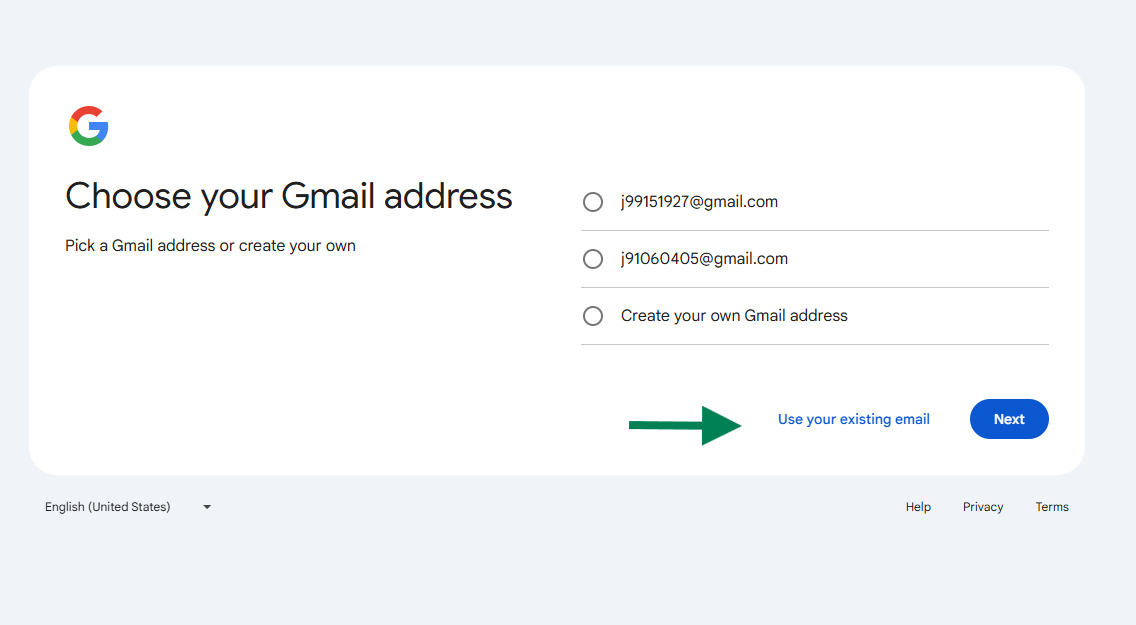
Complete the setup process.
Follow the on-screen prompts to verify your AASM email address and finalize account creation.Notify IT once your account is created.
Email the IT Department with the AASM email address you used.
IT will then grant access to the requested Google service(s).
Notes
Use only your official AASM email address when setting up the account.
This account will provide secure access to internal Google resources while maintaining your organizational identity.
Need Help?
If you encounter issues during setup, please contact the IT Help Desk through your Freshdesk portal or email application-support@aasm.org.
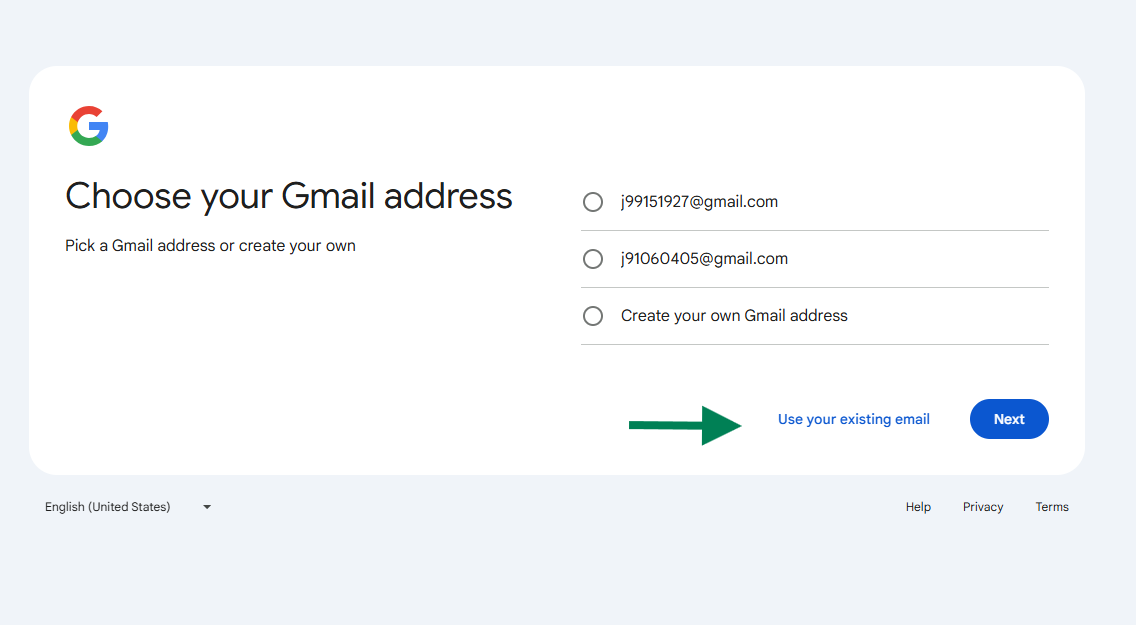
3. After you have created your account notify IT with email address you used and you will be granted access to the requested Google service.
Thanks!
Was this article helpful?
That’s Great!
Thank you for your feedback
Sorry! We couldn't be helpful
Thank you for your feedback
Feedback sent
We appreciate your effort and will try to fix the article